
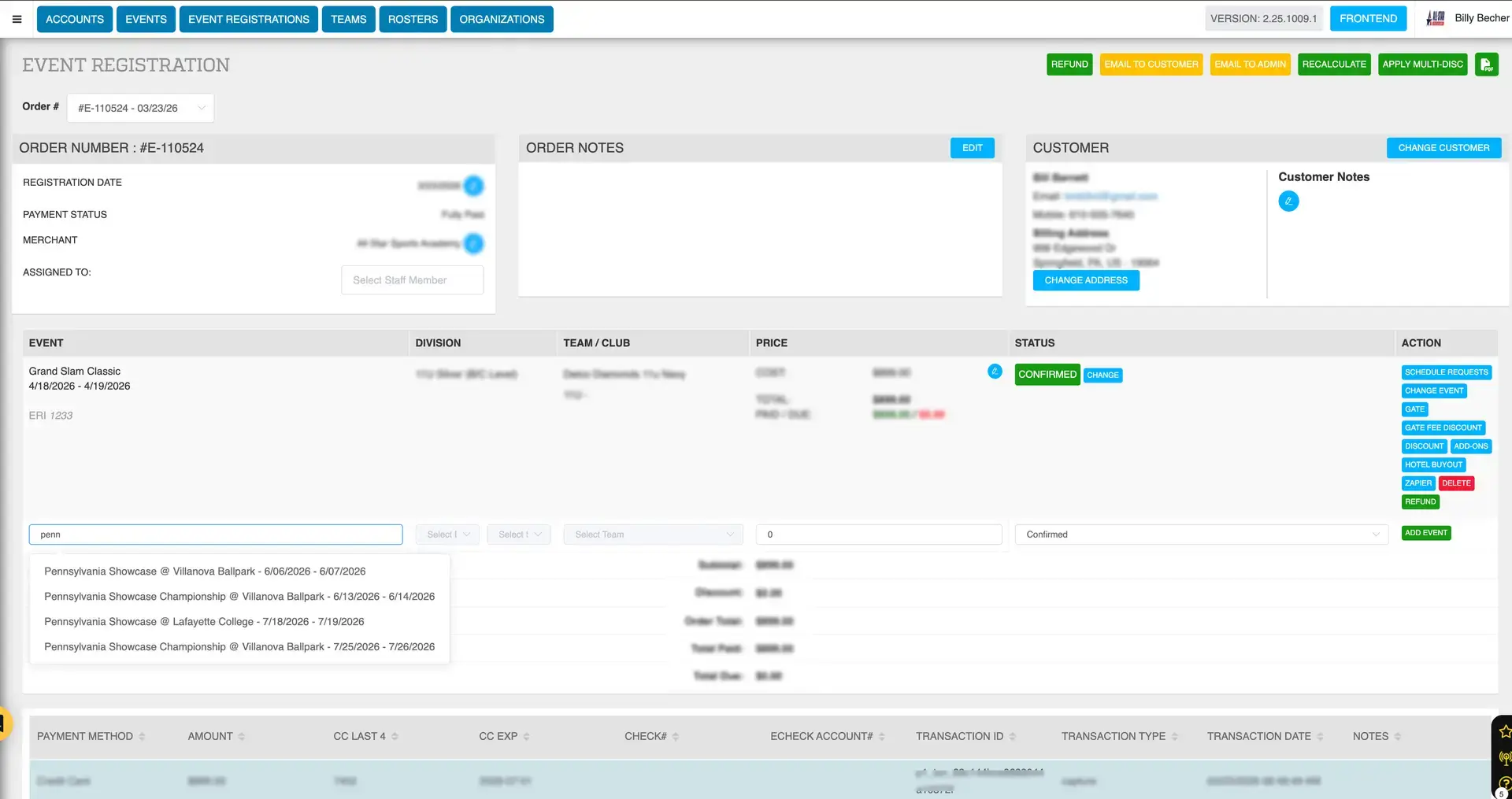
If an event’s registration deadline has passed, teams can no longer register through the front-end website. However, administrators can still manually register a team using the back-end invoice system. This is commonly used when a team is approved late, an exception is made, or registration is handled offline.
Creating a Registration Manually
- Navigate to Event Registrations
- Click the Blue Plus (+) Invoice button in the top-right corner
- Select Team Registration
- Click Save
This opens a blank invoice used to complete the registration.
Adding a Customer
Option 1: Existing Customer
- Start typing the customer’s name or email
- Select the correct account
- Confirm billing details
- Click Save
Option 2: New Customer
- Enter required contact information (fields marked with a red asterisk)
- Click Save
Selecting the Event and Division
- Search for the event (start typing the event name in the blank line item of the invoice)
- Select the correct event
- Choose the appropriate division
Selecting or Creating a Team
Existing Team
- Select from the dropdown
New Team
- Click New Team
- Enter required fields
- Click Save
Adjusting Registration Price (Optional)
- Update the Price field before adding the event
- Useful for late-entry discounts or manual pricing adjustments
Adding the Event to the Invoice
- Click Add Event
- The event will now appear on the invoice
Sending the Registration to the Customer
Note: Customers do NOT receive an automatic email for back-end registrations.
Option 1: Share Invoice
- Click Share Invoice
- Send link via text or email
Option 2: Email Invoice - Click Email to Customer
Collecting Payment
Option 1: Customer Pays
-
Send invoice and allow payment
Option 2: Admin Records Payment -
Click New Payment
- Select payment method (credit card or e-check)
- Enter details and submit
Tips for Late Registrations
- Confirm division availability before adding a team
- Communicate clearly since no automatic confirmation is sent
- Use pricing adjustments when needed
- Double-check team and event details before saving