
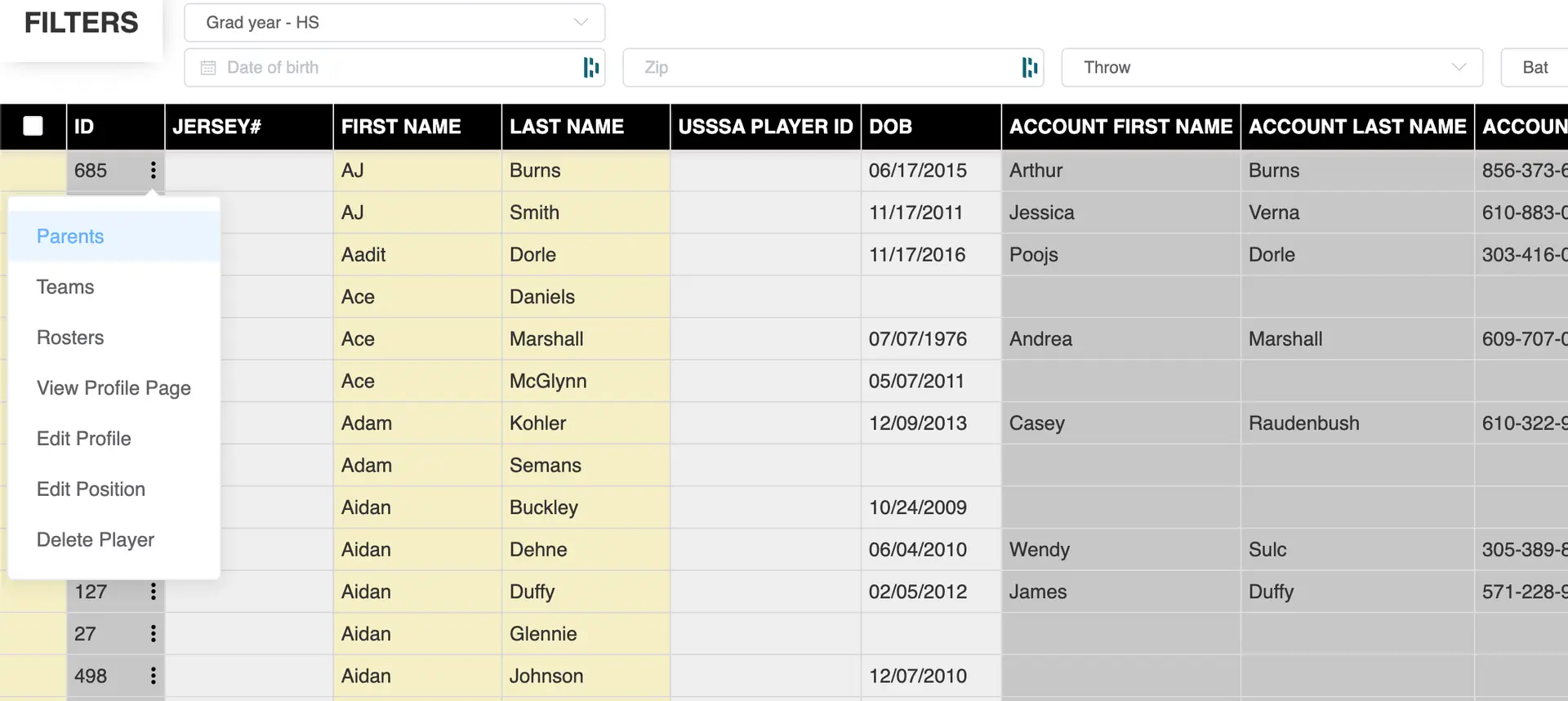
If a player is linked to the wrong parent account (commonly when a coach registers players), you can update the correct parent directly from the Player Profiles page.
Accessing Player Profiles
- Navigate to the left-hand toolbar
- Click Players
- Select Profiles
- This opens the Player Profiles page
Opening Parent Settings
- Locate the player in the list
- Click the three dots (•••) next to the player
- Select Parents
- This opens the parent assignment pop-up
Adding the Correct Parent
- In the search customer field, start typing the correct parent’s name
- Select the correct account from the dropdown
- The new parent will be added to the player
Removing the Incorrect Parent
- Locate the incorrect parent in the list
- Uncheck the box next to their name
Saving Changes
- Click the blue Update button
- The player is now tied to the correct parent account
Tips
- Ensure the correct parent already has an account before assigning
- Double-check names when selecting from the dropdown
- This issue commonly occurs when coaches register players on behalf of parents